What Is Visit Japan Web?

After flights and hotels, the next thing to set up for a Japan trip is Visit Japan Web. You enter your immigration and customs details before you leave, then show the QR code it generates at the airport. It is run by Japan’s Digital Agency, and with kids it is much easier to finish at home than to fill out forms at the airport.
Visit Japan Web is the official web service for pre-registering immigration and customs information. It works for foreign visitors and returning residents, and foreign travelers can also use it for tax-free shopping under certain conditions.
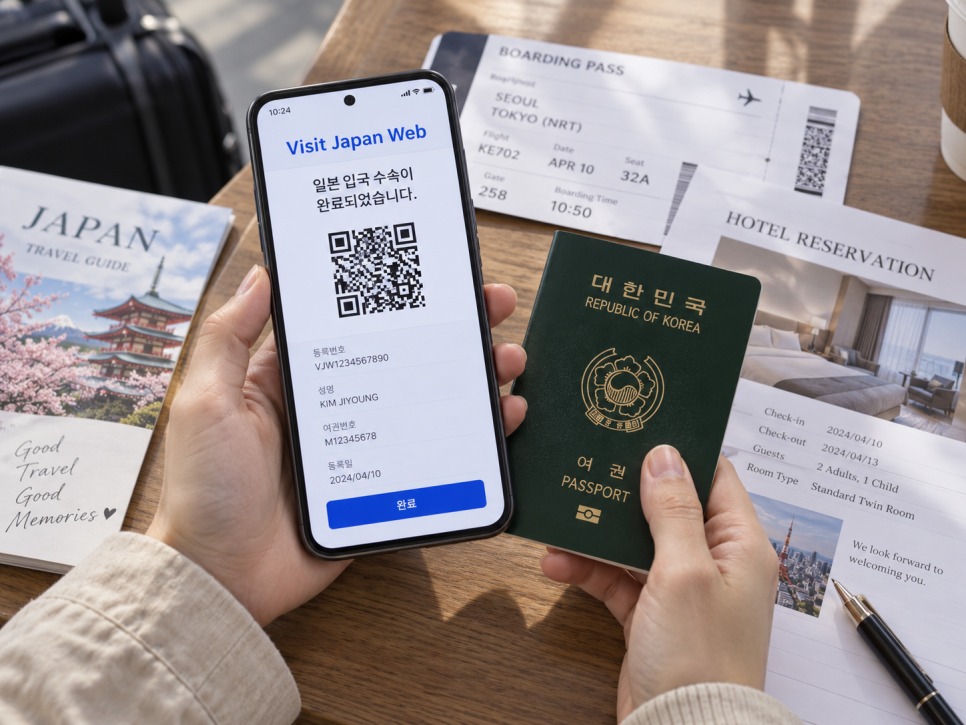
Since January 25, 2024, immigration and customs share one QR code. If you cannot use Visit Japan Web, you can still use the paper customs form, but Japan Customs recommends the electronic declaration.
What You Need Before Registering
- Passport
- Email address
- Flight details into Japan
- Name and address of your accommodation
- A contact phone number
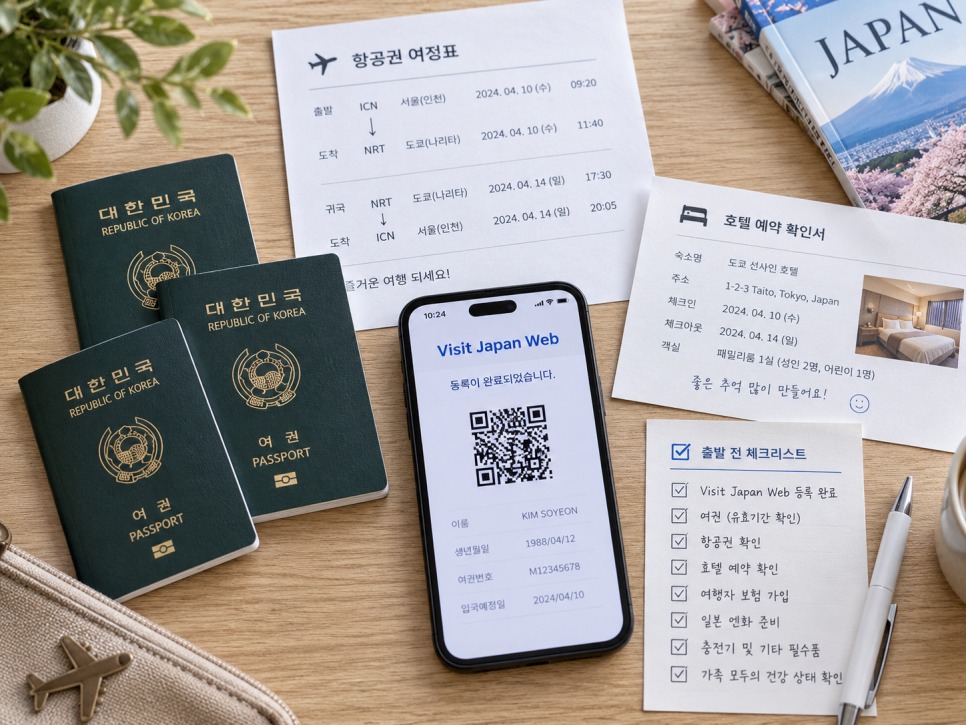
You can scan your passport with your phone camera or type the details in; if scanning fails, just type them. Using the tax-free QR feature in Japan, however, requires the camera scan. Have your first night’s hotel details ready.
How to Register on Visit Japan Web
Step 1: Create an Account
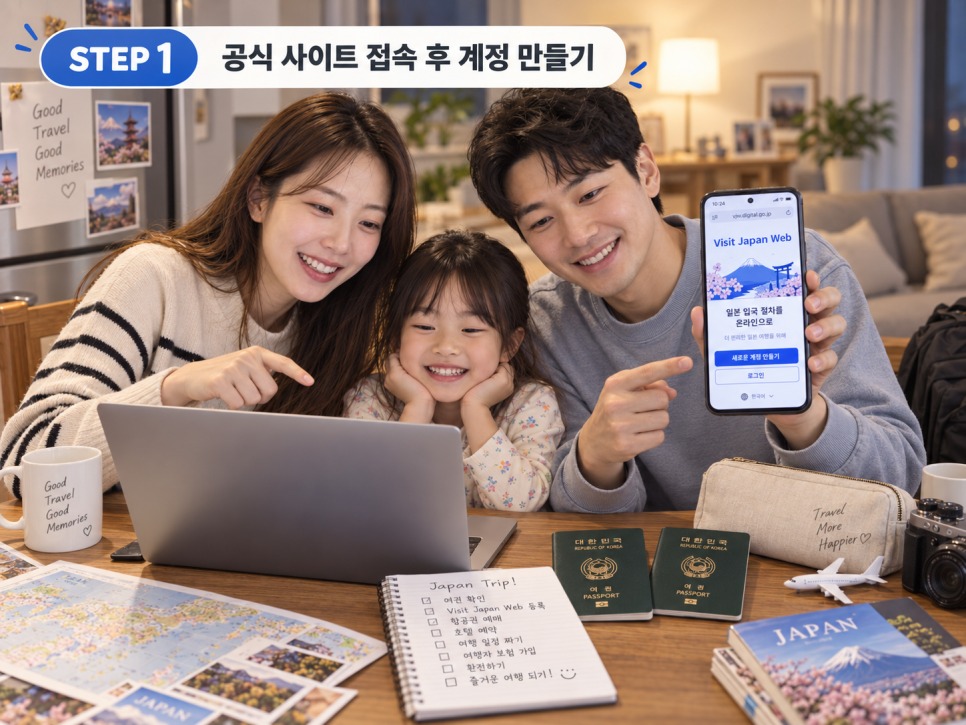
Go to the official Visit Japan Web site and create an account with your email. Use the official link from the Digital Agency rather than search ads; the agency has warned about suspicious look-alike apps.
Step 2: Enter Your Details
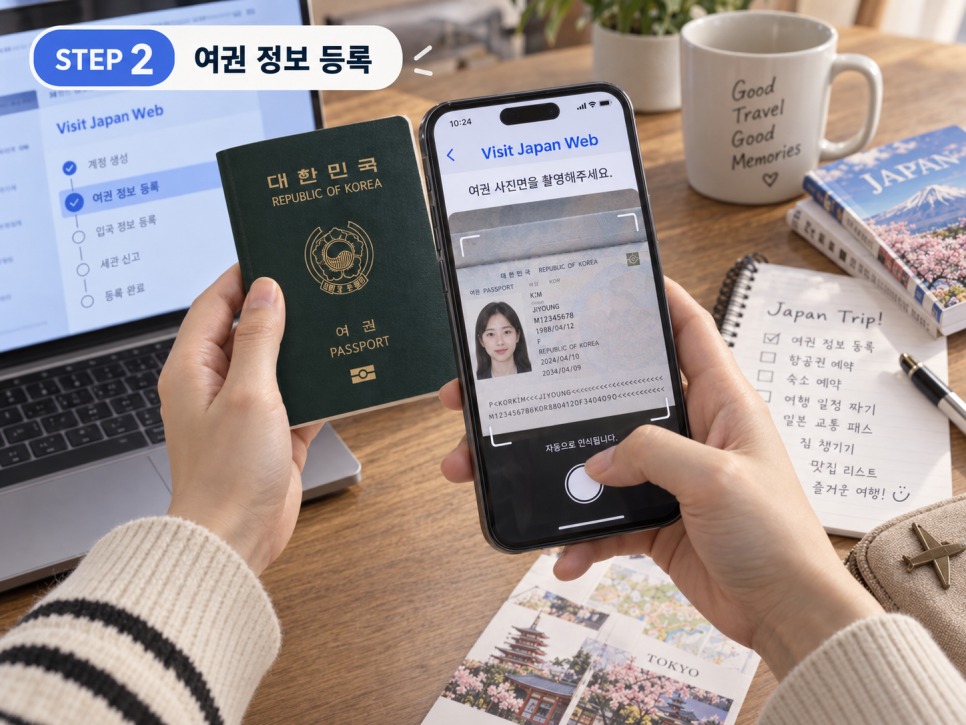
Enter your passport details exactly as printed, including the passport number and English name. Traveling with kids? Check the accompanying family member settings here.
Step 3: Register Your Trip
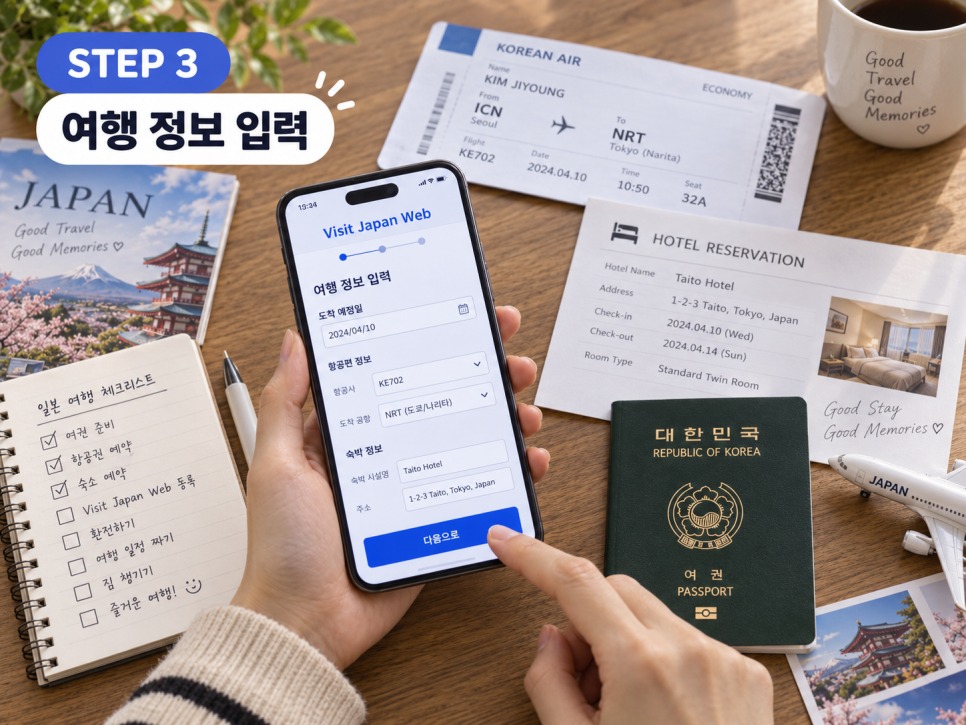
Enter your arrival date, flight and accommodation. Frequent visitors can reuse details from previous trips.
Step 4: Immigration and Customs Questions
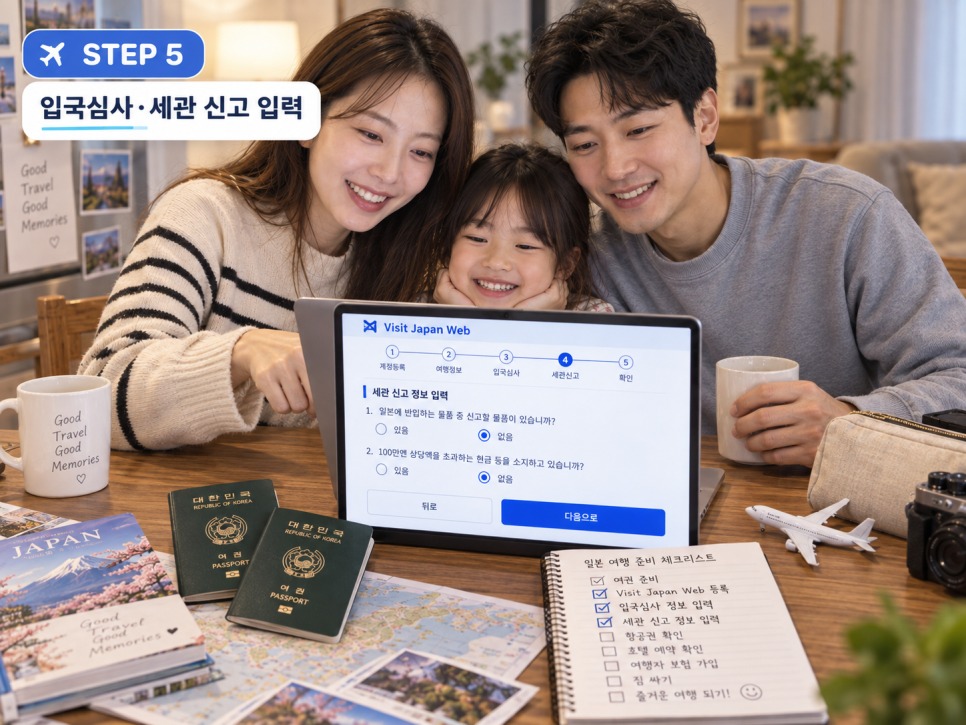
Select your trip and answer the immigration and customs questions honestly, including items that must be declared and unaccompanied baggage. When finished, your QR code for arrival appears.
Registering Family Members

This is the most confusing part. One parent’s QR code is not enough. Japan Customs says that even families and groups need a QR code for each traveler, and airport procedures go one person at a time. Register your children too, keep their codes ready, and check every family member’s status before you fly. With bags, passports and kids to juggle, this small step helps a lot.
Using the QR Code at the Airport

On arrival, open Visit Japan Web, select your trip and display the QR code. Use it at the immigration counter, then at the electronic customs kiosk or inspection desk. At the kiosk, scan your passport and QR code and follow the prompts.
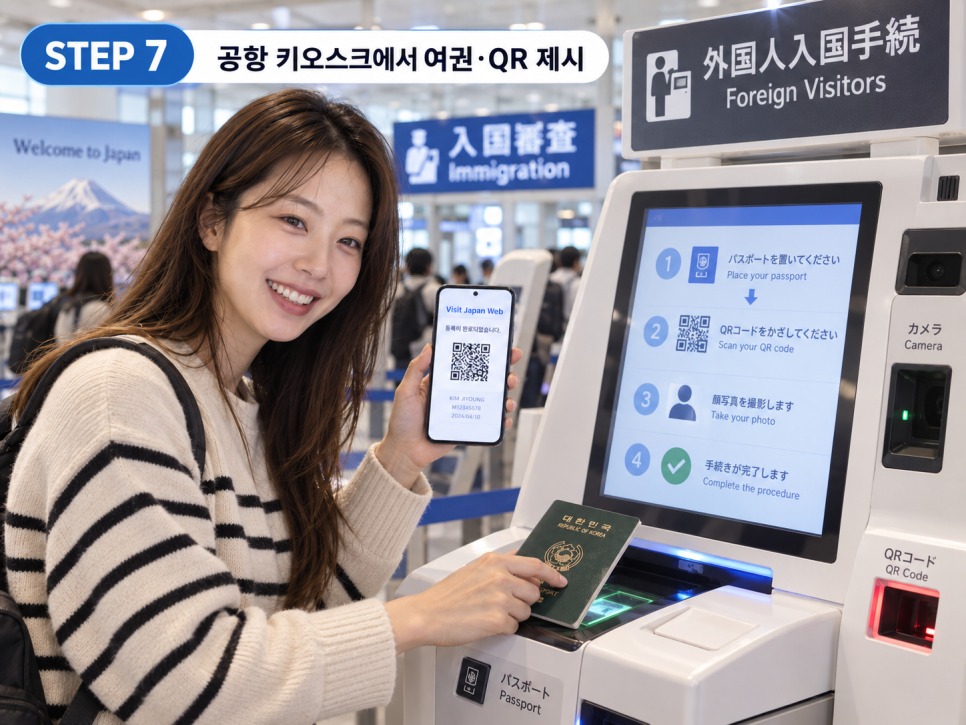
Some airports then let you use an e-gate. Shared immigration and customs kiosks are spreading too; as of 2026 they are at Narita, Haneda, Kansai and Fukuoka, though terminals vary. Follow the signs and staff.
Check Your QR Code in Advance

Make sure your QR code displays properly before you leave. Customs materials note you can prepare it for offline use, which helps if airport Wi-Fi or roaming is slow. One caution: the immigration QR and the tax-free shopping QR work differently. The Digital Agency says the tax-free QR cannot be a screenshot; show the live Visit Japan Web screen.
When to Register

The easiest time is after your flight and first hotel are confirmed, before departure. With your passport, flight and hotel details beside you, it takes minutes. If plans change, update your trip info.
Pre-departure checklist: passport → flight → first hotel → family registration → immigration and customs → QR check. Visit Japan Web is not a destination; it is a shortcut through the airport. With kids, the key is having every family member’s QR code ready before you go.
More Family Trips on Yans World
- Traveling Together: The Beautiful Hyeonchungsa in All Four Seasons, Perfect for Visiting with Kids
- Cheonan Museum & Samgeori Park: The Perfect Family Day Out in Chungnam
- Planning a Trip to Geoje
Schedules and prices can change, so check the Official Visit Japan Web page by Japan’s Digital Agency before you go.